If you manage social accounts in HubSpot, this is a small but useful update.Social settings have been simplified and moved to a single Accounts page.Previously, checking something as basic as which accounts were connected or expired often required clicking through multiple tabs. If publishing stopped, it was not always clear where to look first.That has now been streamlined.
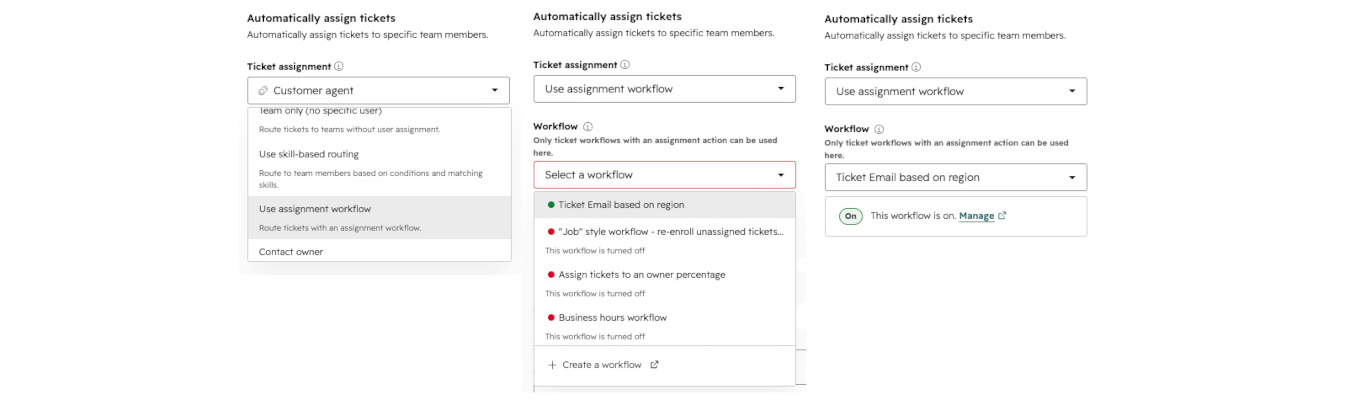
Support queue full of half-finished tickets, “waiting on someone,” and the occasional spam message? These new Service Hub updates will help.Three small but powerful improvements have just arrived in HubSpot’s help desk – all designed to make support work feel a little easier.
Video is one of the most powerful content formats out there, but optimizing it for SEO, repurposing it into clips, and tracking performance across channels often requires juggling multiple tools. Well, not anymore.
HubSpot is evolving quickly. With over 200 updates announced at INBOUND 2025, the platform has taken a major leap forward. From new AI integrations to upgrades across CRM, Data Hub, and Marketing Hub, the scope of changes is significant.
At INBOUND 2025, HubSpot CEO Yamini Rangan called out what many teams have already been feeling: the old playbooks aren’t working anymore. Inbound marketing is being disrupted and it’s time for a refresh.
It’s easy to miss an important social media comment or message, especially when notifications get buried or you’re switching between platforms just to stay on top of conversations. HubSpot’s new Social Inbox Notifications are here to change that.