
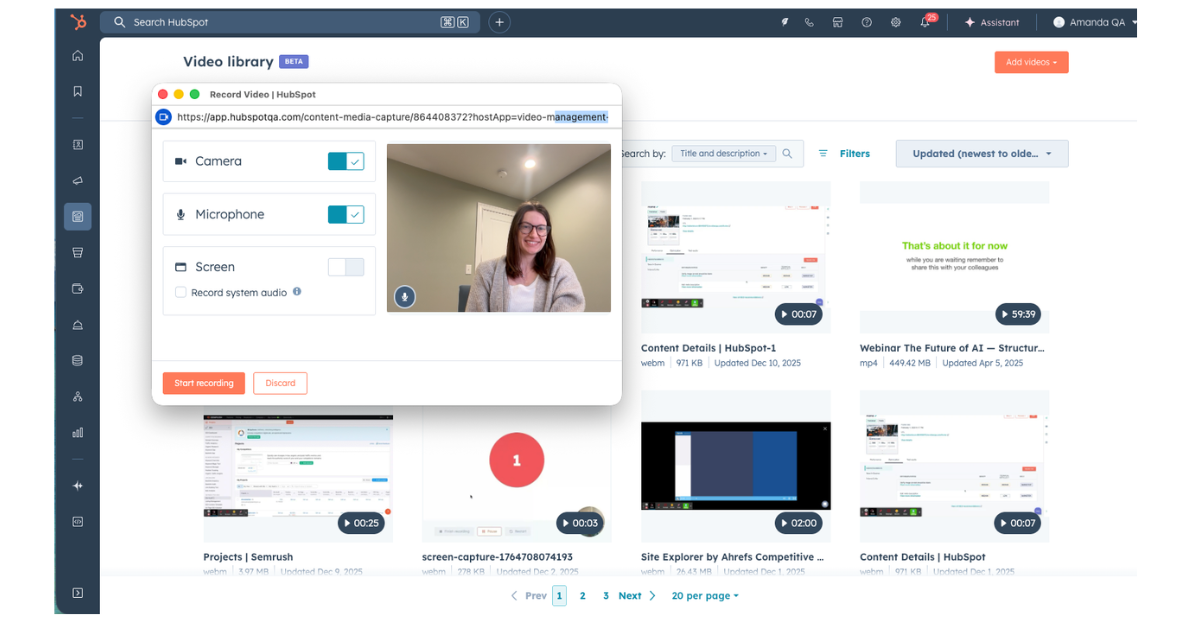
A new beta functionality in HubSpot may be a reason to stop using Loom or similar tools.You can now record videos directly inside HubSpot — without switching tools, exporting files, or uploading content back into your portal.For many teams, recording a simple video used to involve multiple steps: record in one tool, download the file, upload it to HubSpot, and then reuse it in emails or pages. This update simplifies that workflow.
Recent Posts
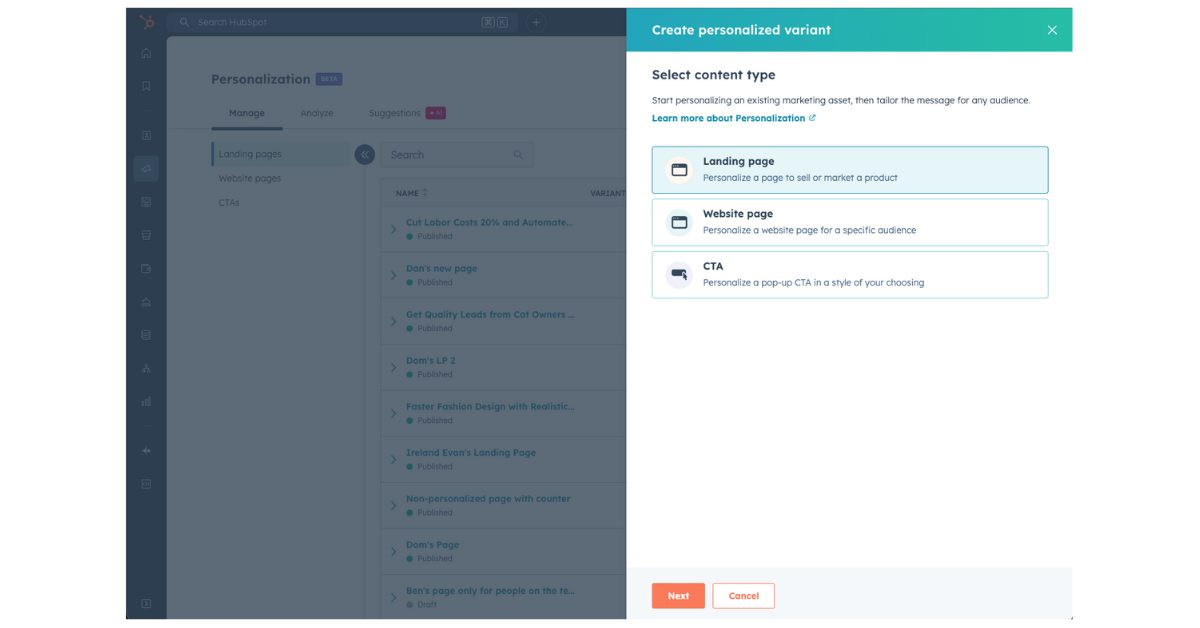
We all know how important content personalization is. In practice, though, personalizing website pages has often been difficult to execute and even harder to maintain.
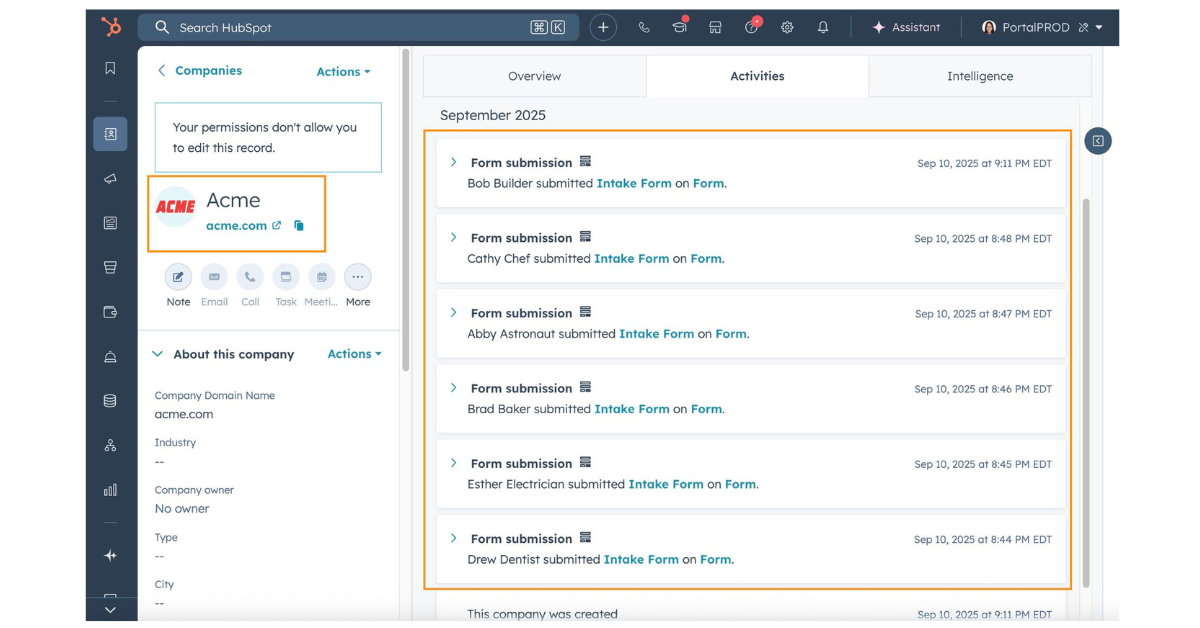
Working with multiple contacts in one company — and still checking form submissions contact by contact?In B2B environments, engagement rarely happens through a single person. One stakeholder downloads a guide, another signs up for a webinar, someone else requests a demo. Until now, if you wanted to understand how a company was interacting with your content, you had to open each associated contact record separately and manually piece together the timeline.HubSpot has now simplified this with a new public beta feature: Form Submissions on the Company Record.
.png)
Overwhelmed by data and metrics, but still trying to understand what actually makes your web and landing pages perform?Most marketing and sales teams today have no shortage of data. Page views, sessions, time on page, bounce rates, events, clicks. The challenge is rarely a lack of data — it’s knowing which data actually matters when it comes to lead quality and conversion.HubSpot has introduced a very practical upgrade to Lead Scoring that addresses exactly this problem. You can now identify and score high-impact pages using AI-powered conversion insights.
.png)
When onboarding customers into HubSpot, there’s one mix-up we encounter repeatedly:Subscription type vs. Legal basis vs. Marketing contact. They sound similar. They are often configured at the same time. But they control completely different things. And if you want to use HubSpot email marketing properly, you need all three aligned.
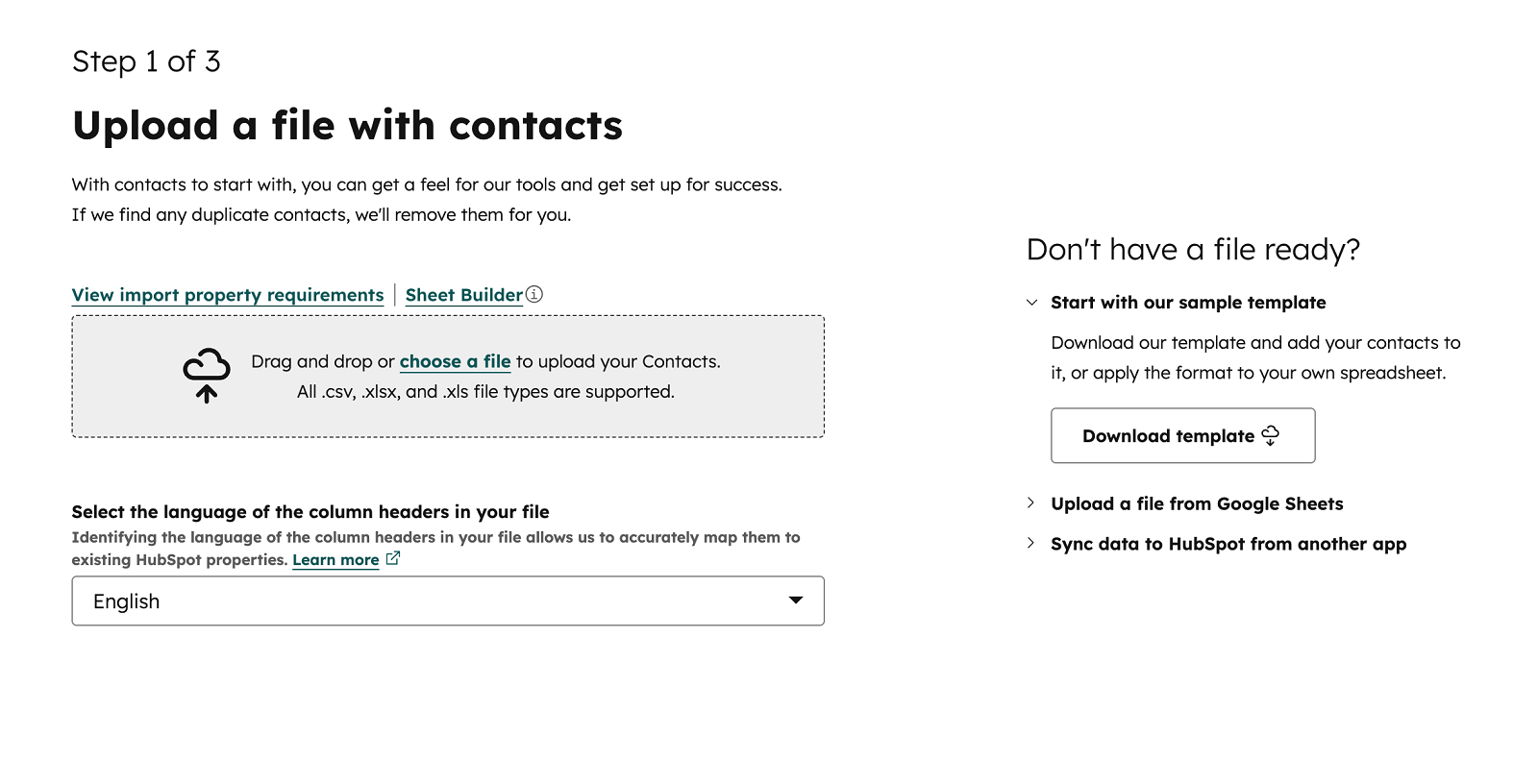
When was the last time you needed to quickly import a small contact list, but still had to go through a long, overly complex import process? Not a full CRM migration – just a simple file with a few columns and no associations. Until recently, even these basic imports required using the full Advanced import process.