

What is available now
Most contact imports are straightforward:- Single-object contact lists
- Fewer than ten properties
- No associations required
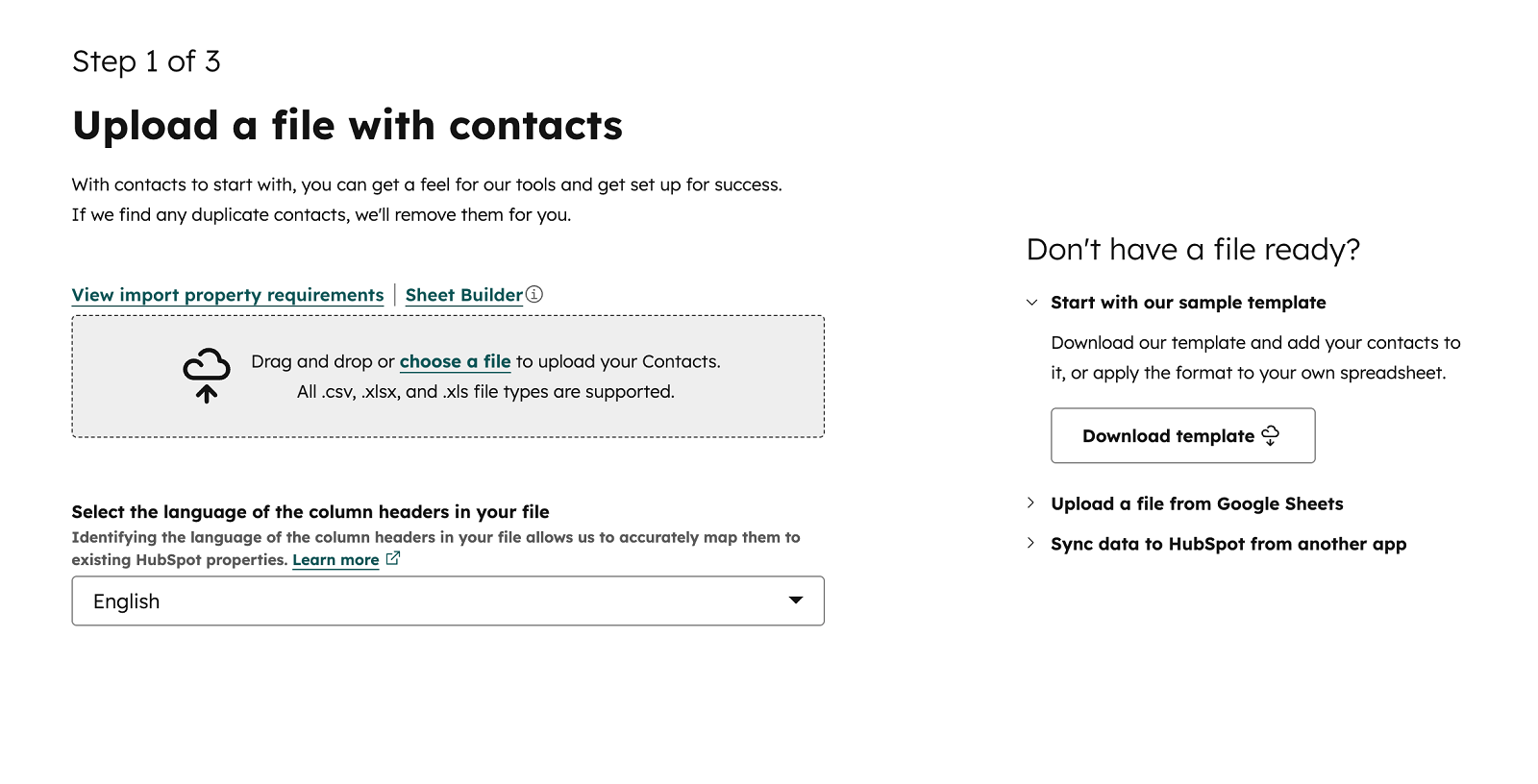 For these cases, you can now select “Quick import (contacts only),” upload your file, map the properties, and complete the import quickly.
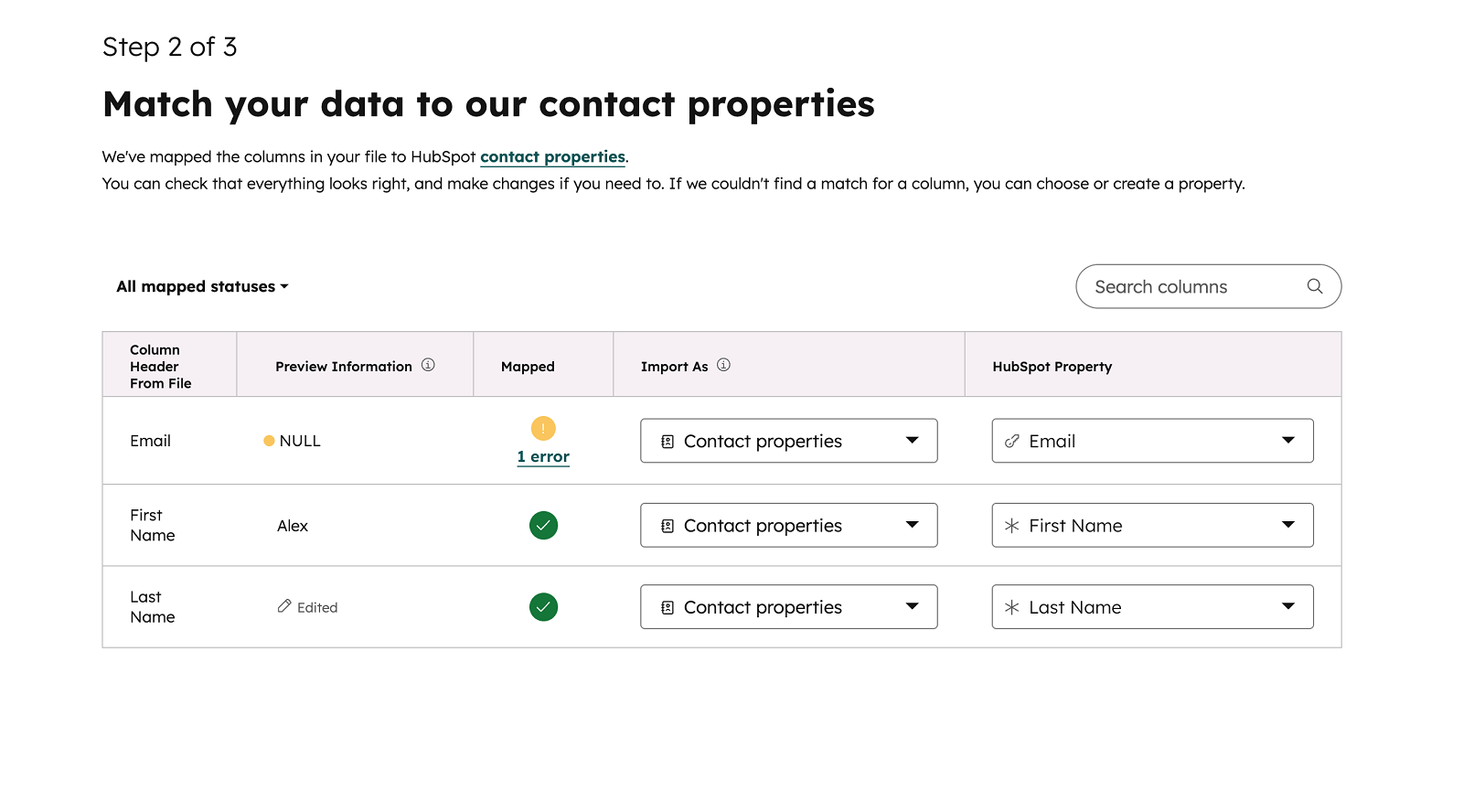
Validation is still in place, so errors are caught before the import runs.
When to use Advanced import
Nothing has changed for more complex use cases.If you need associations, multiple objects, or more control over the import process, the Advanced import flow is still available and works exactly the same way.
Get in touch
Need help with HubSpot? Feel free to send us an email to hubspot@actuado.com.